 by CEF
Android TV app
Download the APK straight on your device, or save it to a USB drive to install it later. The app updates itself.
Download the APK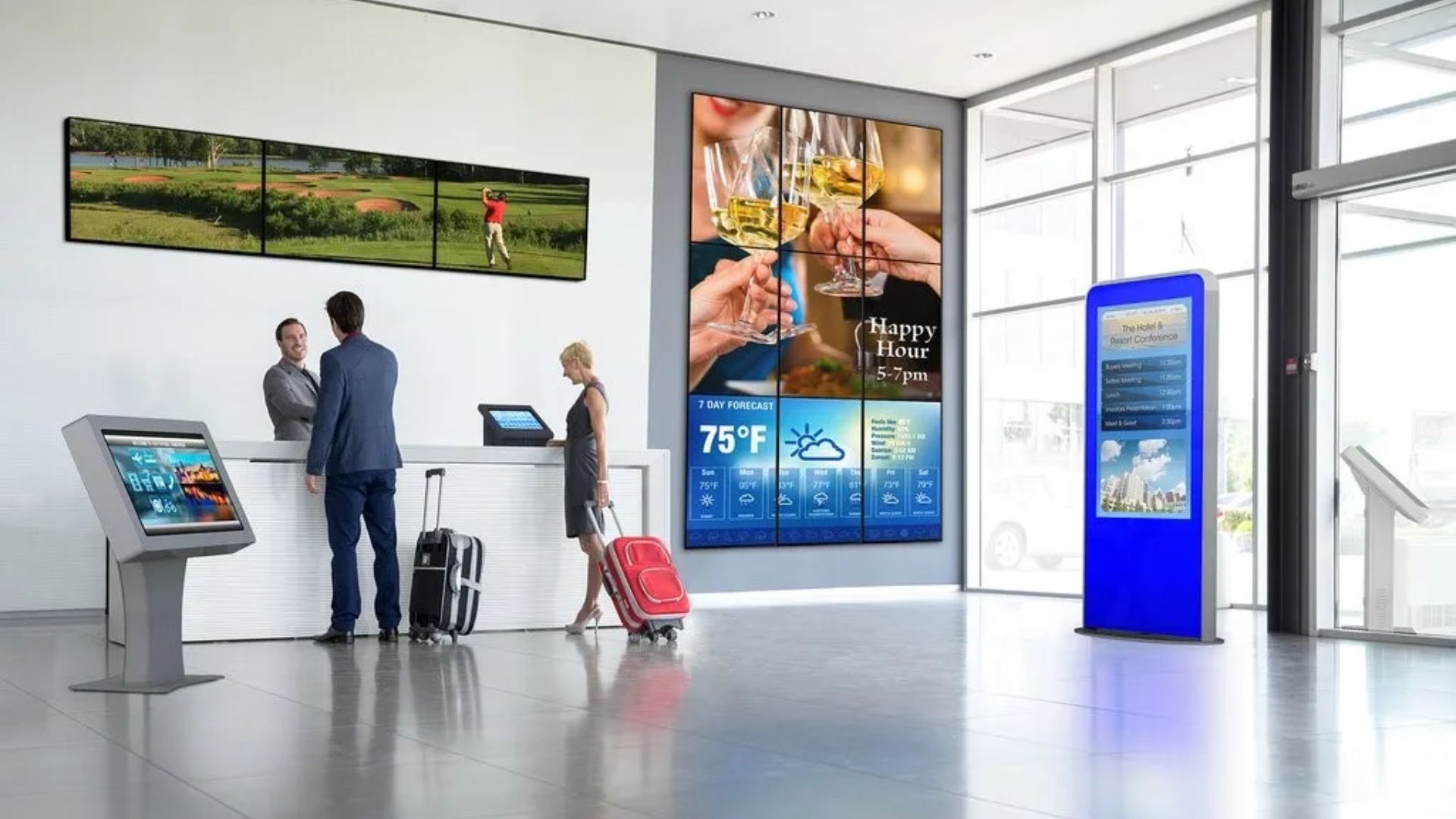
Info by CEF
Info by CEF manages the content of all your digital displays from one cloud panel: any content, any time, anywhere. Menus across a restaurant chain, advertising screens in public spaces, promotions in every hotel of your group: one platform keeps them all under control, whatever the size of your business.
Integrations
AI-generated image. We protect our clients’ and our team’s privacy.

AI-generated image. We protect our clients’ and our team’s privacy.
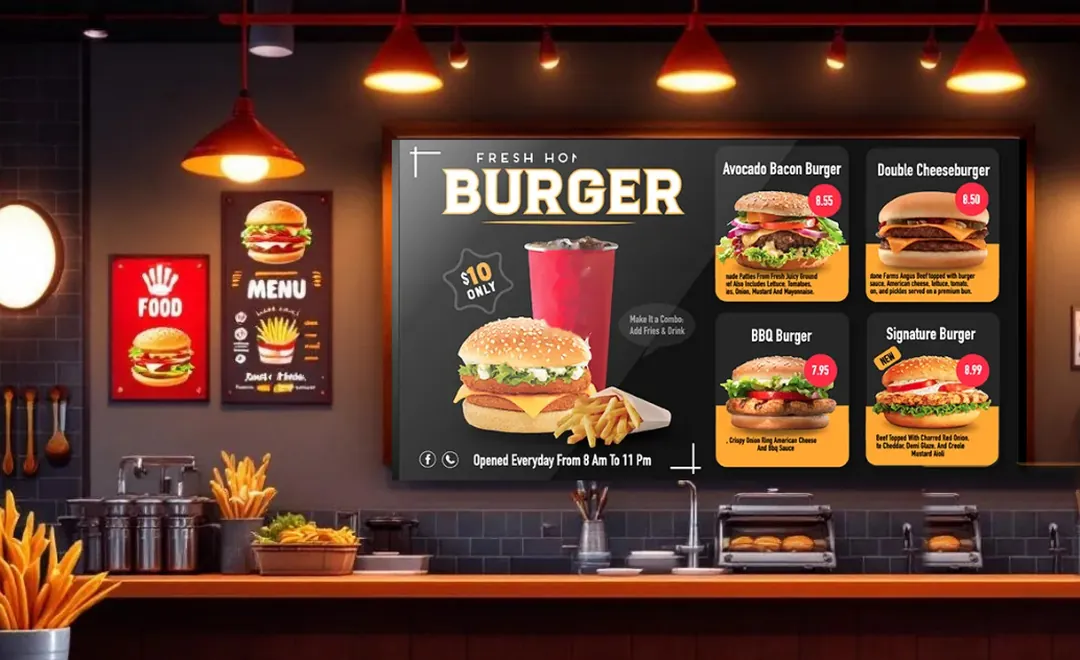
AI-generated image. We protect our clients’ and our team’s privacy.

AI-generated image. We protect our clients’ and our team’s privacy.
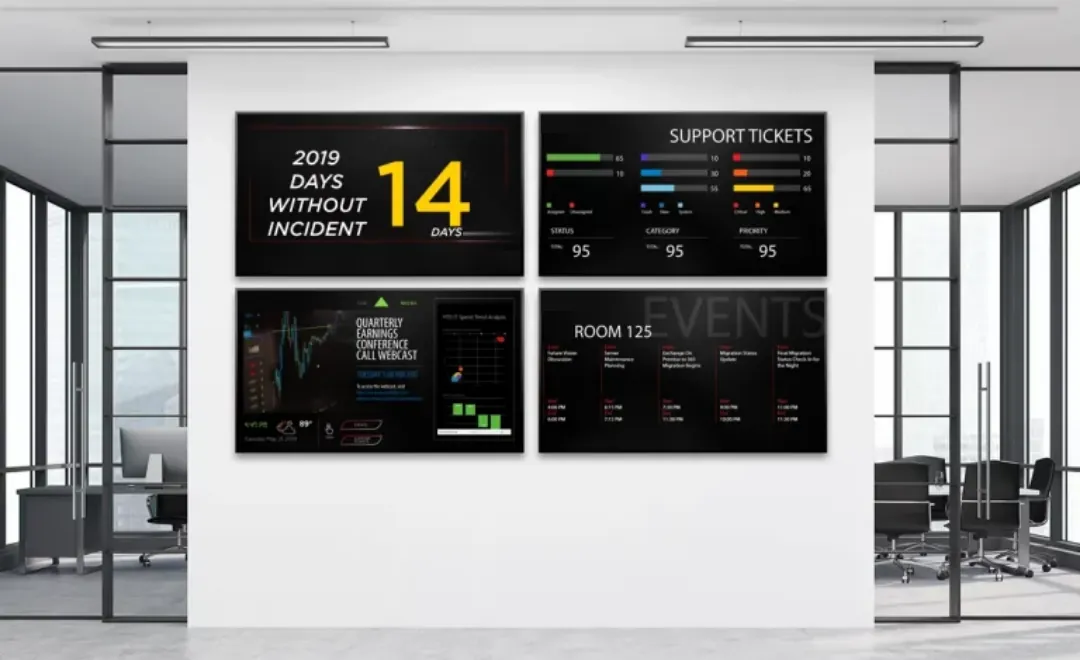
AI-generated image. We protect our clients’ and our team’s privacy.

AI-generated image. We protect our clients’ and our team’s privacy.
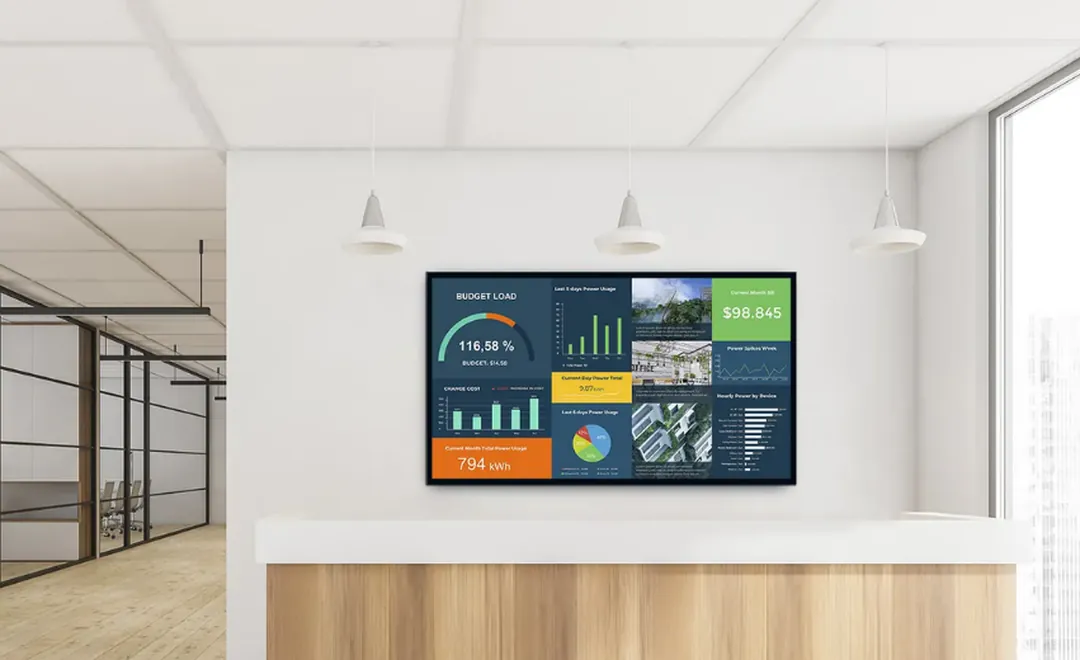
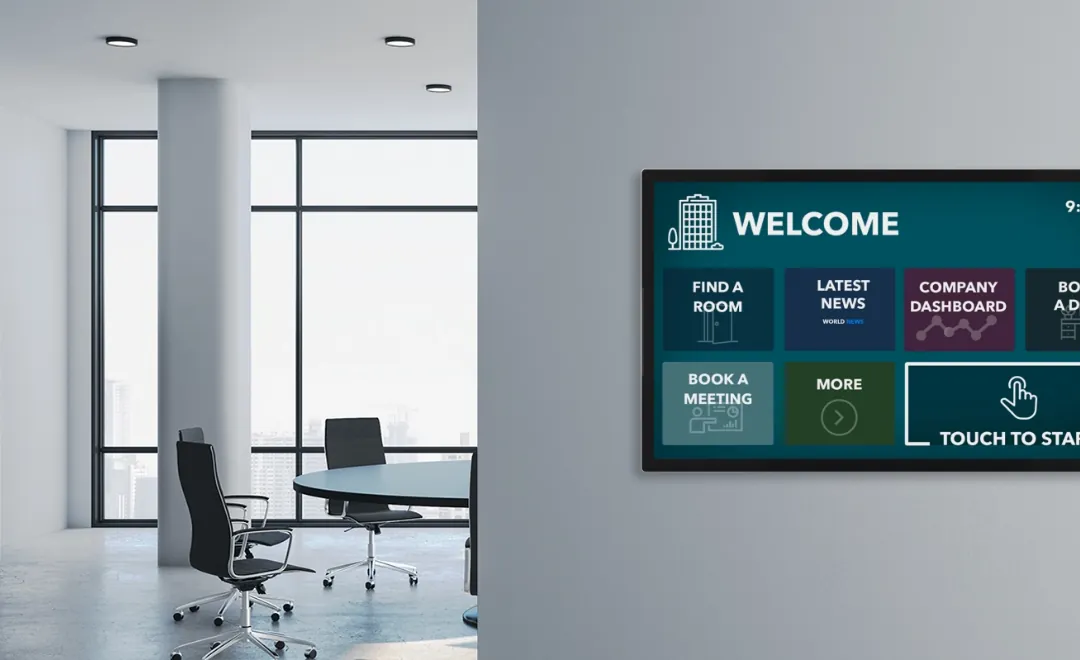
AI-generated image. We protect our clients’ and our team’s privacy.

AI-generated image. We protect our clients’ and our team’s privacy.
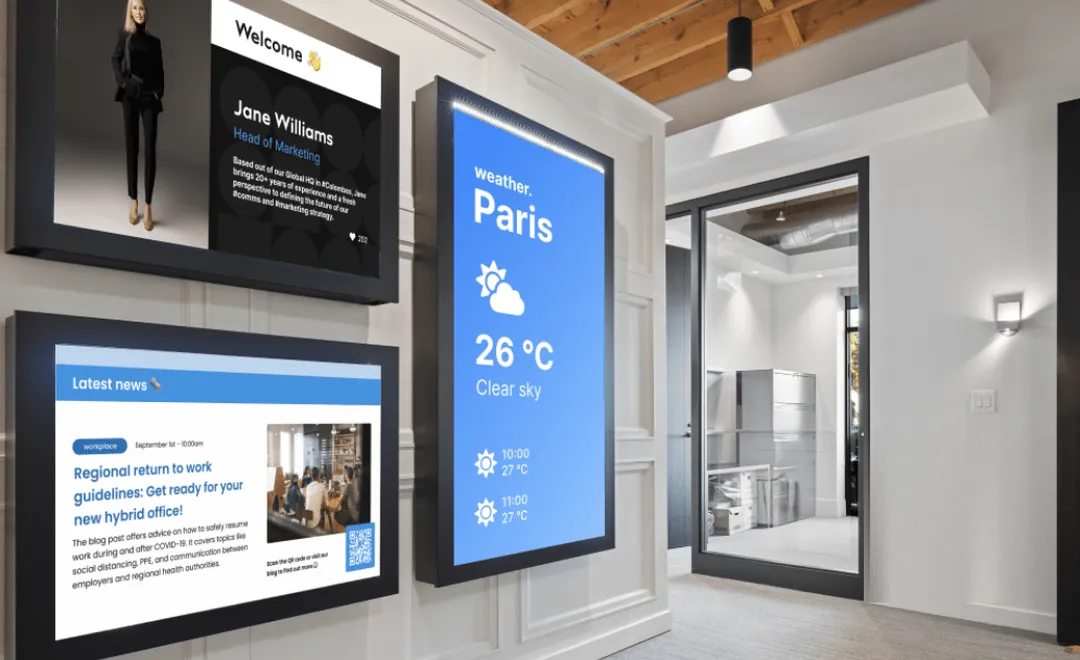
AI-generated image. We protect our clients’ and our team’s privacy.

AI-generated image. We protect our clients’ and our team’s privacy.

AI-generated image. We protect our clients’ and our team’s privacy.

AI-generated image. We protect our clients’ and our team’s privacy.

AI-generated image. We protect our clients’ and our team’s privacy.
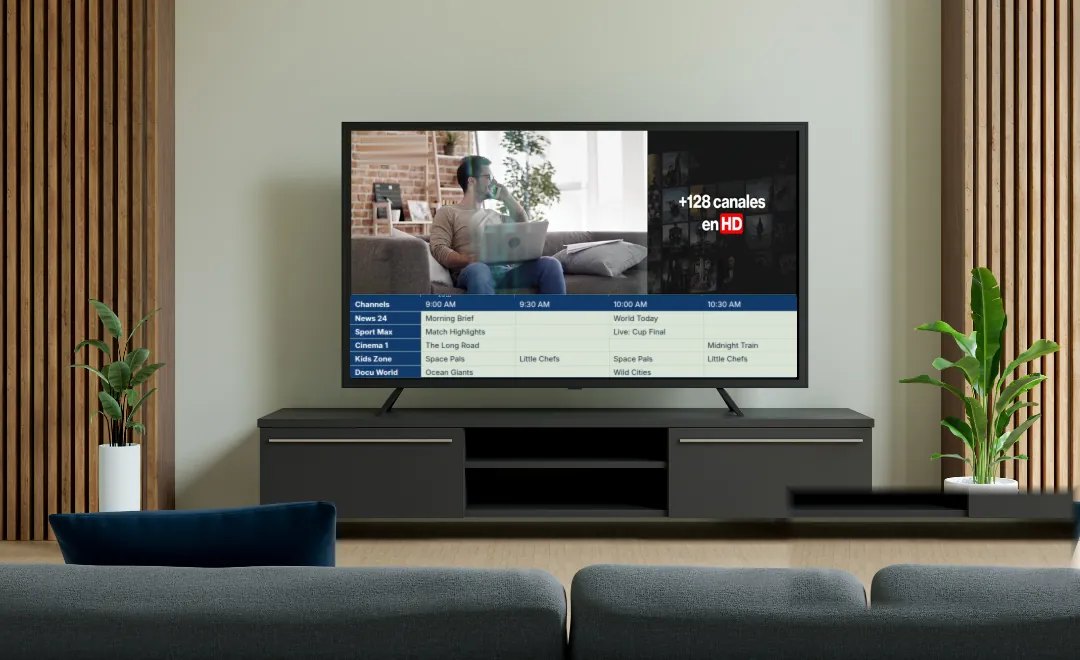
AI-generated image. We protect our clients’ and our team’s privacy.
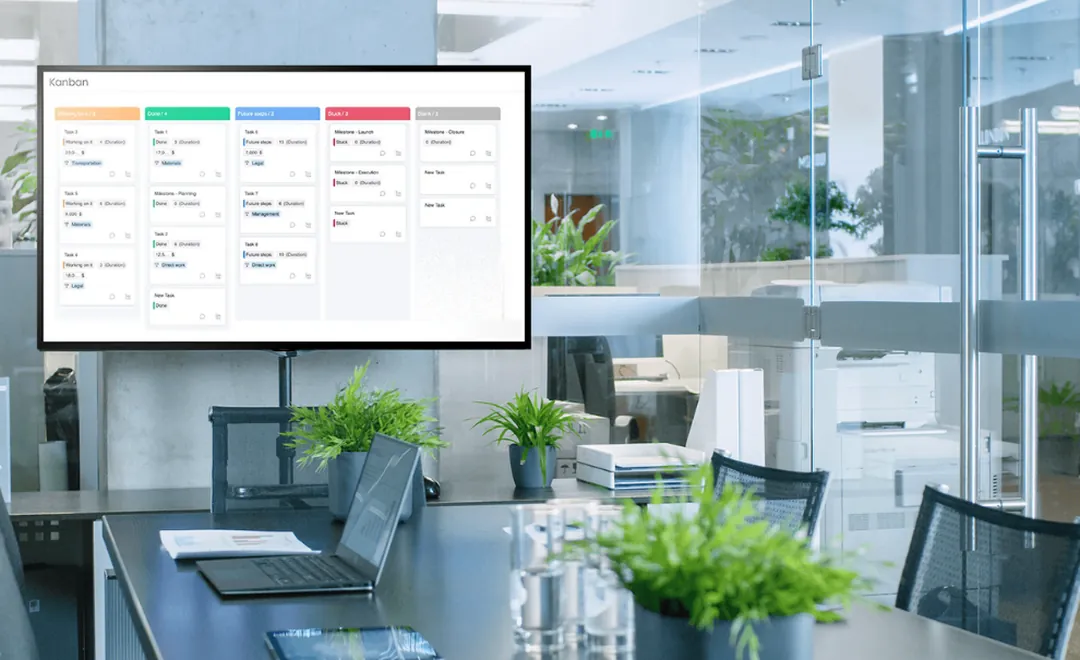
AI-generated image. We protect our clients’ and our team’s privacy.
AI-generated image. We protect our clients’ and our team’s privacy.
AI-generated image. We protect our clients’ and our team’s privacy.
AI-generated image. We protect our clients’ and our team’s privacy.
AI-generated image. We protect our clients’ and our team’s privacy.
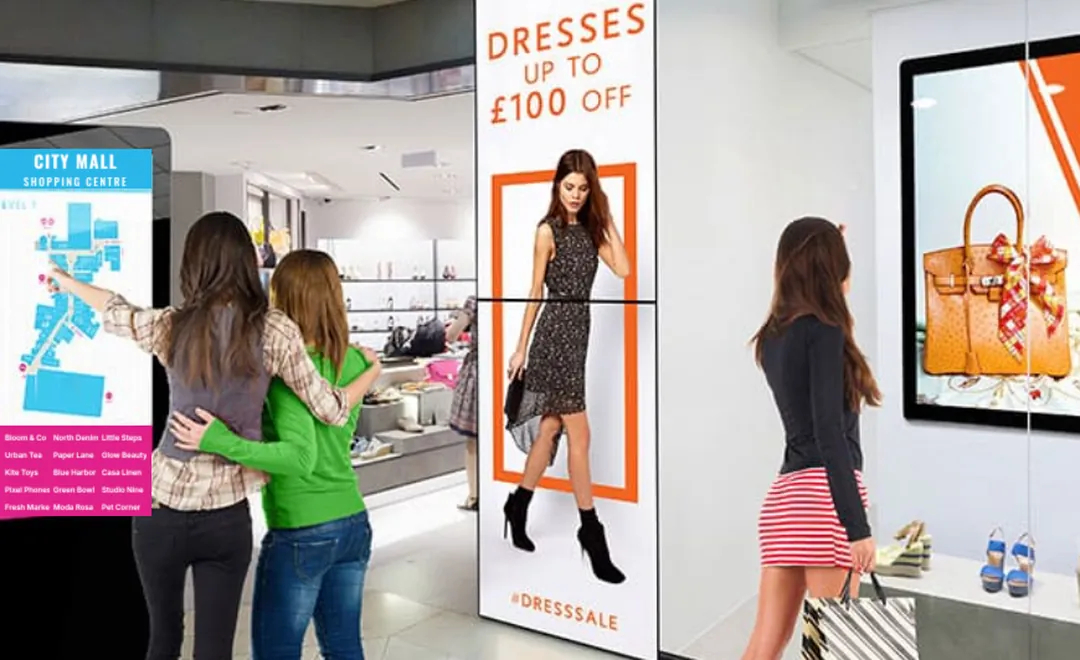
AI-generated image. We protect our clients’ and our team’s privacy.
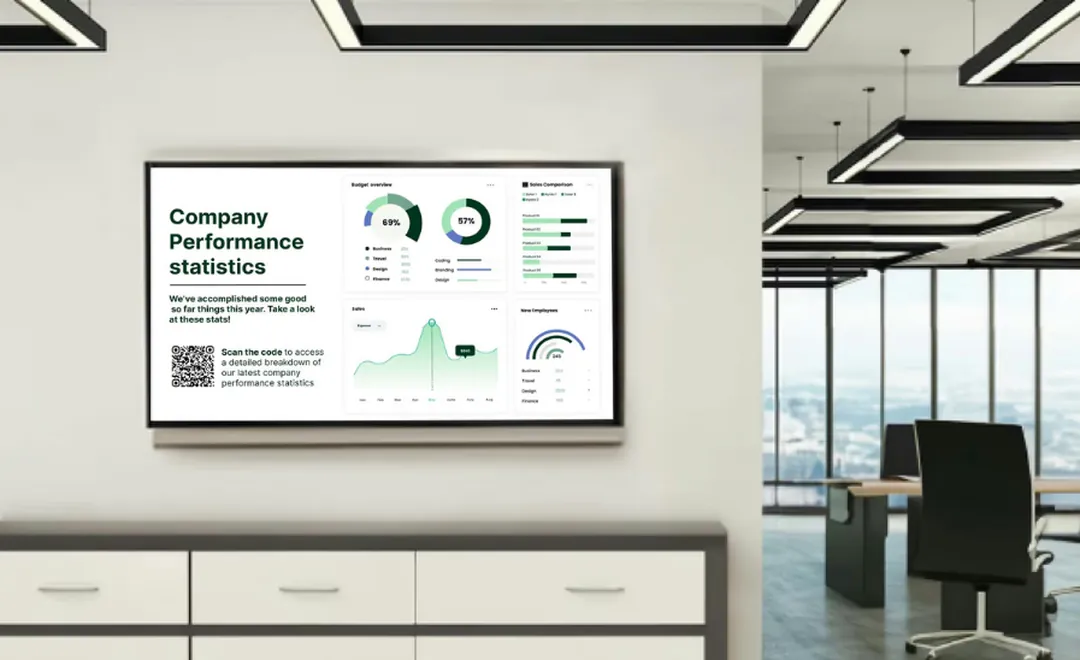
AI-generated image. We protect our clients’ and our team’s privacy.
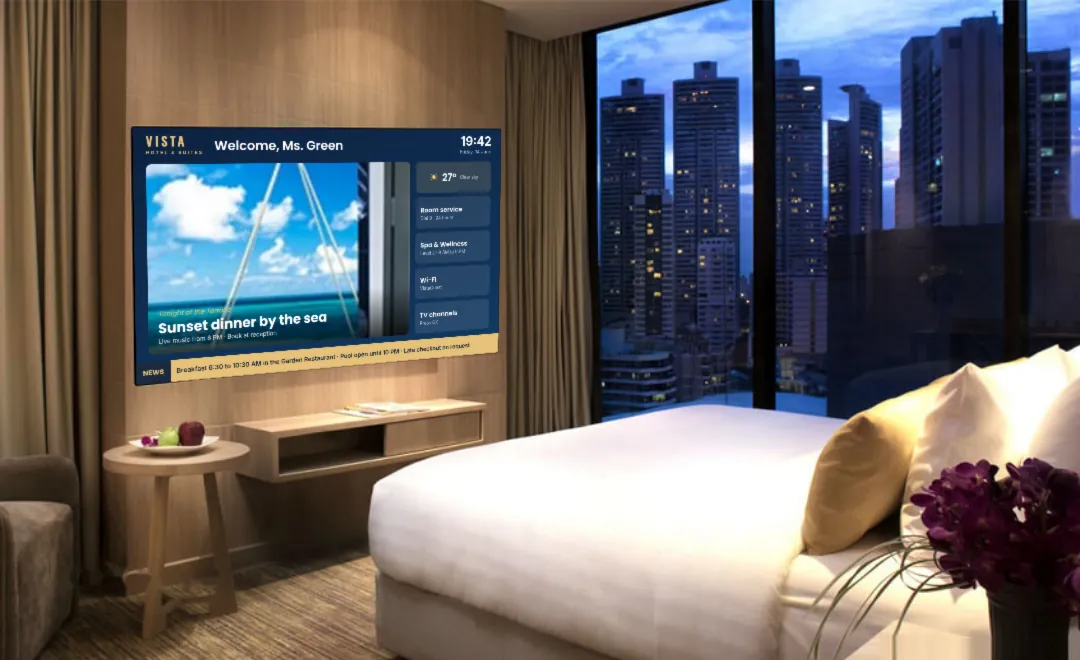
AI-generated image. We protect our clients’ and our team’s privacy.
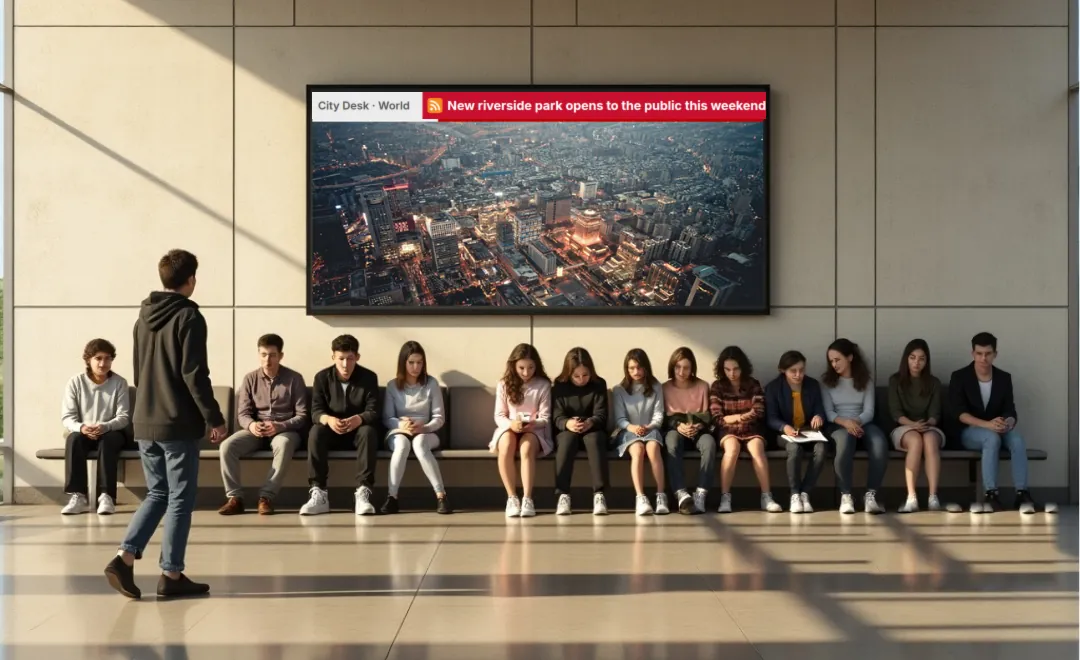
AI-generated image. We protect our clients’ and our team’s privacy.

AI-generated image. We protect our clients’ and our team’s privacy.
AI-generated image. We protect our clients’ and our team’s privacy.
AI-generated image. We protect our clients’ and our team’s privacy.
AI-generated image. We protect our clients’ and our team’s privacy.

AI-generated image. We protect our clients’ and our team’s privacy.

AI-generated image. We protect our clients’ and our team’s privacy.
AI-generated image. We protect our clients’ and our team’s privacy.
Live TV input
Any player with an HDMI input can show a live signal from an external source: TV from satellite, cable or streaming, a camera or a media player. Switch between your usual content and the live feed, full screen or picture in picture, so a broadcast plays next to your promotions and keeps customers watching.
Live TV
Not sure which hardware you need for live TV? Contact us and we will help you choose.
Compatible devices
Start in minutes with our Chrome browser player and its free 30-day trial, or use the hardware from the manufacturer you prefer. Info runs on all of these players and professional displays.
























Not sure which device suits your project? Contact us and we will help you choose and purchase.
AI-generated image. We protect our clients’ and our team’s privacy.
Cloud panel
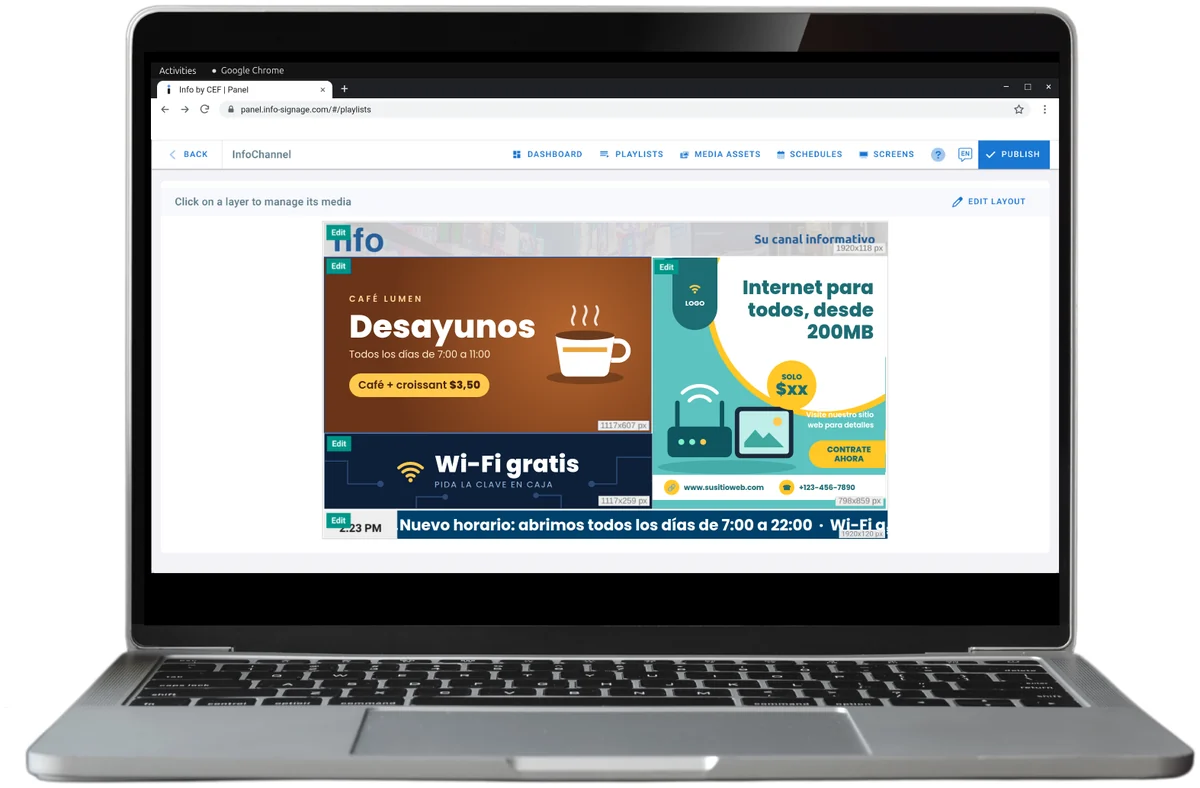
Join the Info cloud panel today, free of charge. When you sign up you receive a fully working player licence for a 30-day trial: explore the panel, build your first layouts and playlists, and see how your content reaches the screen. After the trial, contact us to purchase your licences.
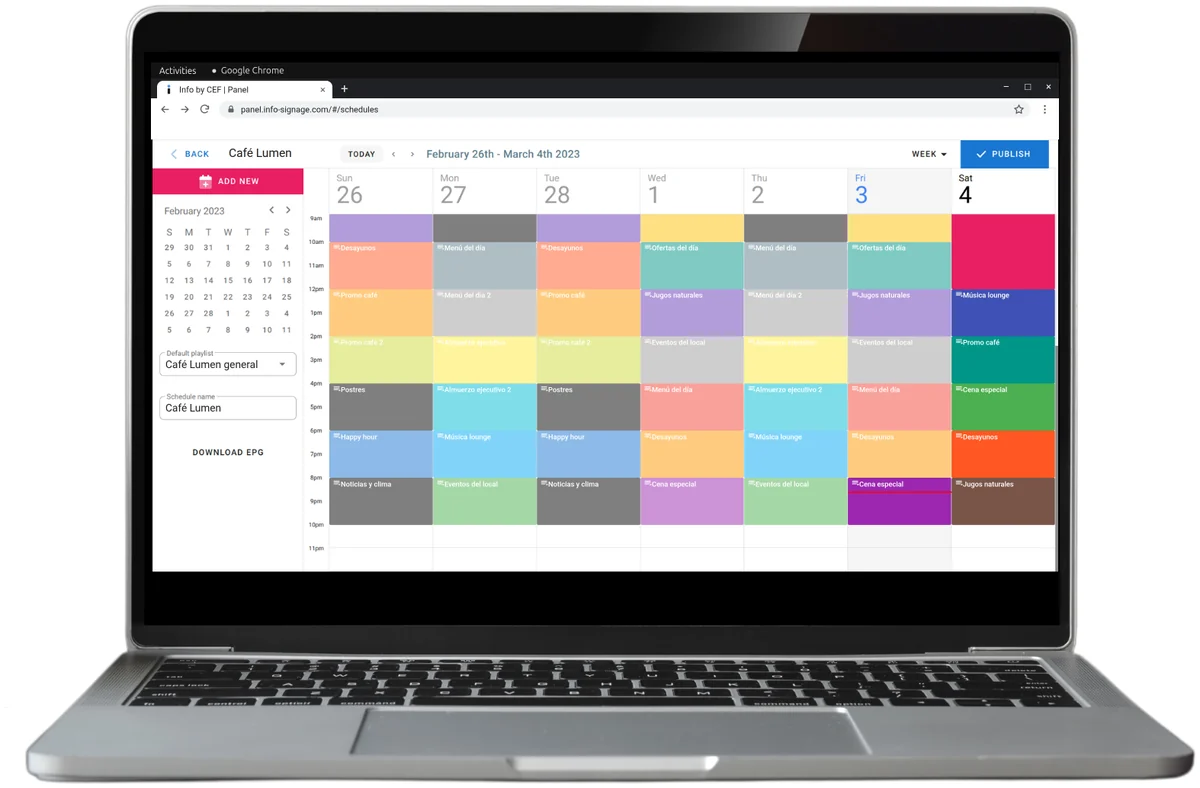
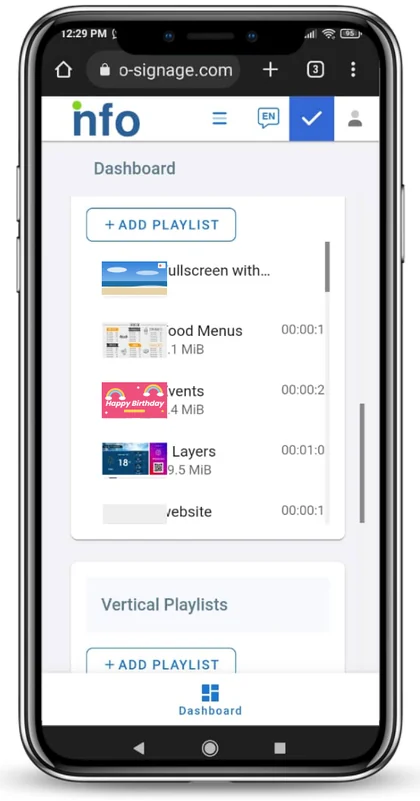
Install the player
Ready to set up your screen? Choose the player for your device: the Android TV app, the Chrome browser player or the Linux player. Then register the screen code in your cloud panel.
Download the APK straight on your device, or save it to a USB drive to install it later. The app updates itself.
Download the APKRun Info on any device with the Chrome browser: open the player and register the screen code in your panel.
Open the Chrome player
Install the Info player on any Linux device, quickly and easily, with our step-by-step guide.
Read the installation guideAI-generated image. We protect our clients’ and our team’s privacy.
Start your free 30-day trial: one player, every feature, no credit card.
See plans and prices